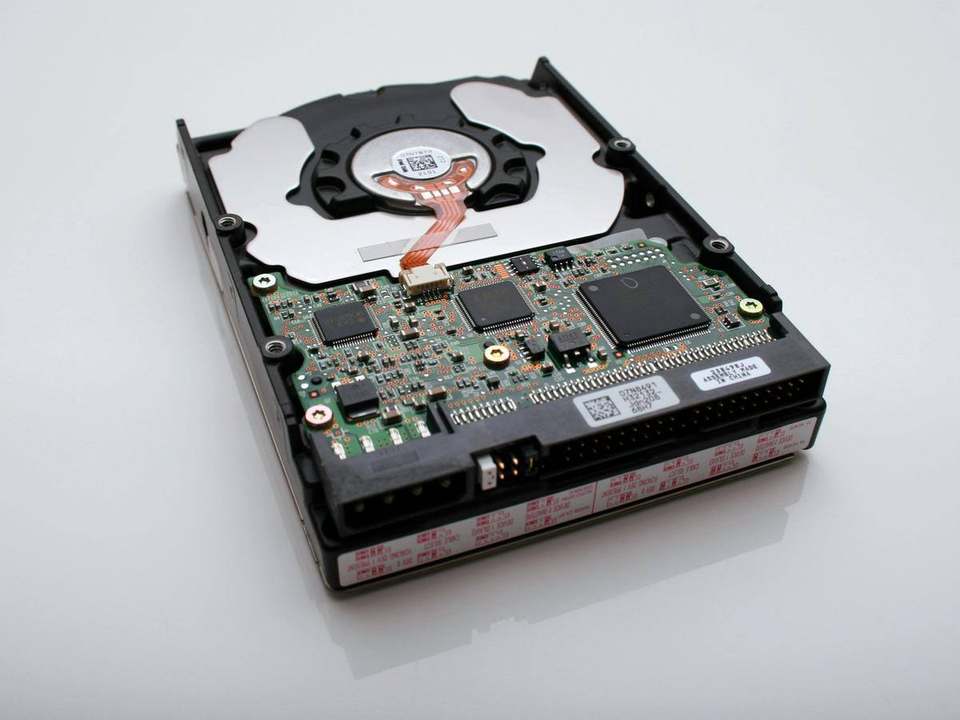
What To Do When Storage Media Fails
When a laptop refuses to power on or a hard drive emits repetitive clicking noises, user panic is natural. However, in 90% of non-booting computers, the internal storage drive is intact even if the motherboard, power supply, or CPU has suffered catastrophic failure.
The single most critical rule is: Stop using and powering on the drive. Continued read/write attempts on degraded magnetic platters or failing NAND flash controllers cause physical media degradation and overwrite sectors.
Our Lab Data Extraction Capabilities
- Dead Motherboard Recovery: Extraction of NVMe M.2 and soldered Apple T2 / Silicon APFS partitions directly to high-speed external storage.
- Mechanical Hard Drives (HDD): Recovery from bad sectors, degraded read heads, corrupted master file tables (MFT), and partition loss.
- Solid State Drives (SSD): Recovery from controller firmware locks, raw partition errors, and power-surge damaged NAND.
- Water Damaged Devices: Ultrasonic chemical PCB cleaning to temporarily restore connectivity for high-speed file transfer.
100% Free Diagnostic & Confidential File Handling
Bring your dead laptop, hard drive, or USB to 79 The Broadway, London W13 9BP. We inspect the drive for free and only charge upon successful recovery. Call 020 8579 9899.